Skip to content
ICON Equipment
0Get a Quote
Business operations guide

How a Business Equipment Account Can Simplify Purchasing and Service

Organize business pricing, PO requirements, purchasing contacts, tax documentation, fulfillment preferences and fleet information before an urgent order or repair.

Fleet & Business7 min readICON Equipment Resource Center

Business purchasing becomes slower when every equipment, parts or service request starts by re-entering the same company information. A business account can organize the contacts, purchasing rules and fleet context that repeat customers use over and over.

The value is not simply a login. It is reducing avoidable friction between the person who needs equipment and the people responsible for purchasing, accounts payable and service approval.

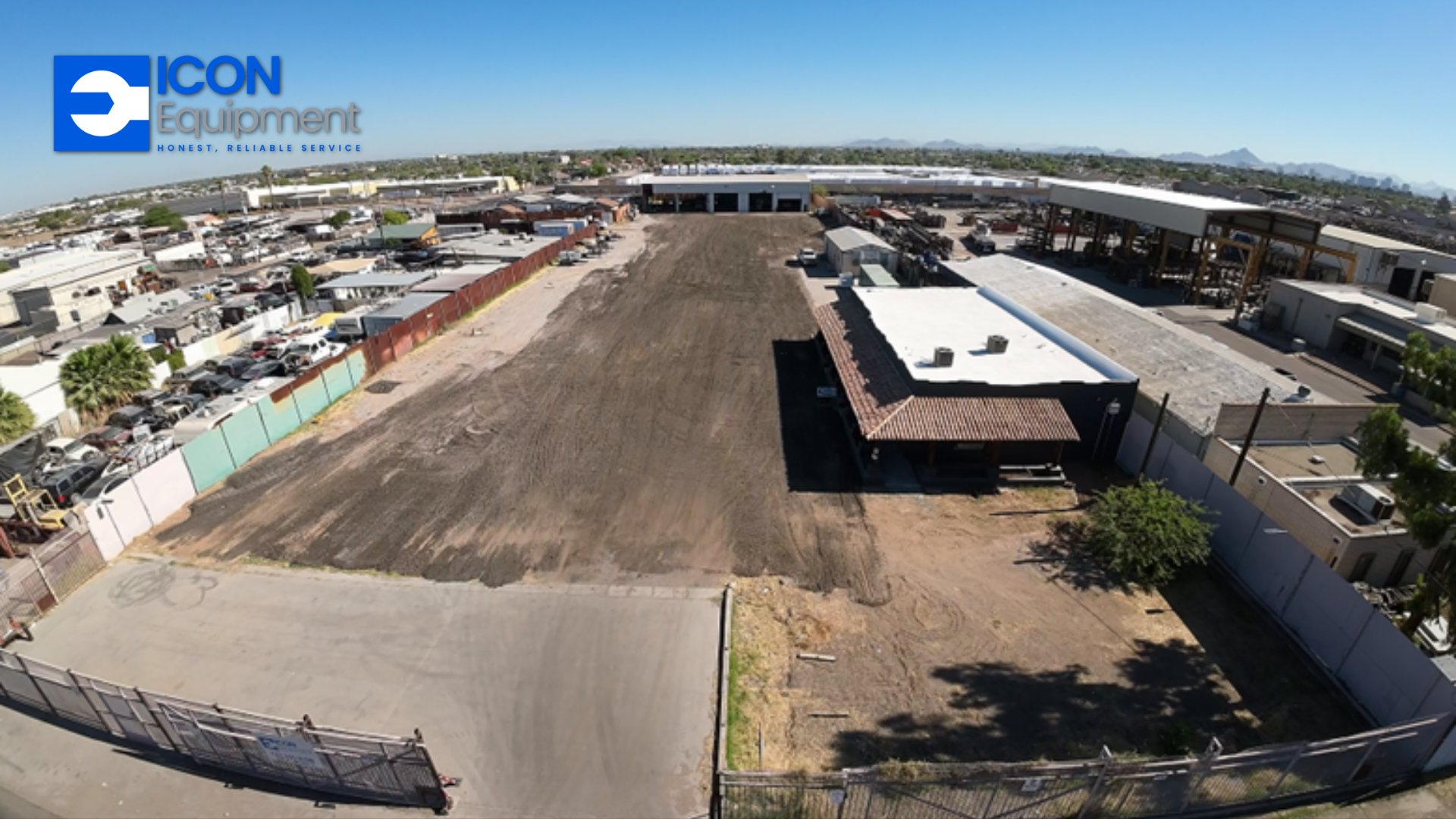
ICON Equipment facility serving business equipment customers
Quick takeaways

What to keep in mind.

  • Define who can request quotes, place orders and approve service.
  • Document customer PO requirements before an urgent purchase.
  • Keep billing, tax and account information current.
  • Connect equipment and service history to the business account where possible.
  • Use account preferences to reduce repetitive communication.

Set purchasing contacts and responsibilities

Identify the people who request equipment, buy parts, approve service and process invoices. A small business may have one person doing all of those jobs; a larger operation may have separate contacts for each location or department.

Keeping those roles clear helps quotes and invoices reach the right person the first time.

Document PO requirements

If your organization requires a purchase order, record when it is mandatory, what information must appear on the invoice and who can issue the PO. That prevents a repair or parts order from being delayed because the requirement is discovered after the work has already started.

Keep tax and billing information current

Tax-exempt status, billing addresses and supporting documents can change. Maintain the approved information on the account rather than relying on notes from an old order. Tax treatment should be reviewed and approved according to the applicable documentation and account rules.

Connect fleet context to purchasing

When the equipment record includes make, model, serial and service history, the parts and service conversation can start with the correct machine. Fleet size, locations and preferred brands can also help with equipment planning and stocking discussions.

Use the account to support growth

As a business adds locations, crews or equipment, consistent account information becomes more valuable. Standard purchasing rules and a shared equipment record can reduce duplicate work and give owners a clearer view of how the operation is using equipment support.

Common questions

Questions to answer before the next step.

Does requesting a business account automatically provide credit terms?

No. Credit, payment terms, pricing and tax status require separate review and approval based on the account and supporting information.

Can a business account support multiple locations?

Yes. The account request can include multiple operating locations and purchasing contacts so the relationship can be organized around the way the business operates.

Put the information to work

Want to organize equipment, parts and service purchasing?

Start a business account request with your company, fleet, location and purchasing information.

Request a Business Account
Keep reading

Related equipment resources.

Search ICON Equipment

Search equipment, SKU, vendor/manufacturer part numbers, parts, service and brand information across ICON Equipment.